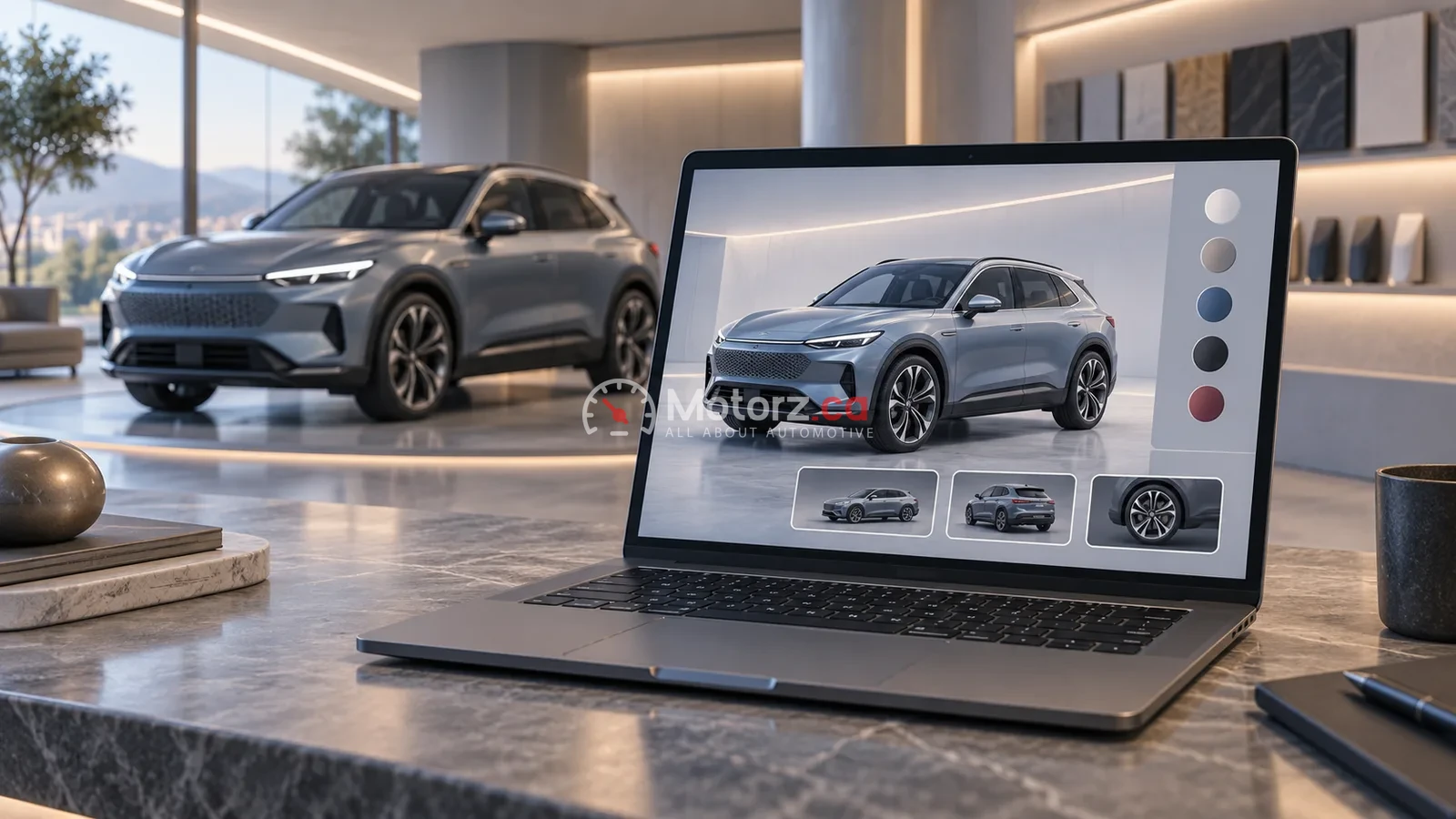
A virtual showroom can help you explore a vehicle or dealership before visiting. A configurator can help you compare displayed combinations of equipment and finishes. Neither should be treated as confirmation that the exact vehicle exists in local inventory—or as a substitute for inspecting it.
For Canadian shoppers, the most useful approach is to use digital tools to build a shortlist and a list of questions. Then confirm the country, model year, trim and actual vehicle with the seller. Motorz.ca has not tested the tools discussed here; the examples below are dated manufacturer announcements, not a survey of current Canadian dealer availability.
Four different tools, four different jobs
- Visualization: shows an appearance or perspective. Ask whether the image is representative or tied to the exact vehicle.
- Configurator: lets you explore displayed choices. Ask whether the final combination is currently orderable in Canada.
- Inventory listing: identifies a vehicle offered by a seller. Confirm its VIN, equipment and availability directly.
- Physical inspection and test drive: let you examine the actual vehicle. An on-screen experience cannot establish how that particular car feels or its condition.
These distinctions matter even when a website joins several tools together. A convenient transition from a configurator to an enquiry form is not itself an inventory confirmation.
A documented example—not a universal promise
In May 2024, Porsche Cars Australia announced a virtual retail experience for selected Australian centres. Its announcement described showroom views, links to its configurator and Porsche Finder, appointment booking, desktop/mobile access and an optional VR experience. That illustrates how a manufacturer can connect browsing with a real-world visit. It does not establish that every Porsche dealer—or every Canadian dealer—offers the same service. Porsche's Australian announcement
Treat the announcement date and market as part of the evidence. A tool described in an older article may have changed, and an overseas demonstration does not confirm Canadian specifications or availability.
Turn browsing into a useful dealer enquiry
Save the configuration or listing reference and write down:
- The model year, Canadian trim and powertrain you intend to compare.
- Which equipment is essential to you and which items are simply shown in an illustration.
- Whether the enquiry concerns an existing vehicle, an incoming vehicle or a possible order.
- The exact VIN if the seller says a vehicle is available.
- Any differences between the online display and the seller's equipment list.
Ask for those differences in writing before making a decision. If an attractive image shows optional equipment, do not assume it is included in the vehicle being offered.
What still needs an in-person check?
Prepare a visit around questions the screen did not answer: seating position, access, visibility, control layout and the space you need for everyday items. For a used vehicle, a digital tour also does not replace an appropriate independent inspection. This is a shopping checklist, not a mechanical inspection procedure.
Avoid treating a simulated drive as evidence of actual ride, braking or handling. Equally, a rendered cabin should not be used as proof that a particular child seat can be installed correctly; follow the applicable vehicle and child-seat instructions and seek qualified help where needed.
A shortlist tool, not a buying verdict
Virtual showrooms are most useful when they help you ask better questions. Keep the displayed specification separate from the seller's confirmed vehicle details, and keep visual preference separate from physical suitability. You can then arrive at a visit with a focused shortlist rather than an expectation built entirely from a screen.
Continue with Motorz.ca's car-buying hub for related buying guides.
Image disclosure: AI-generated conceptual illustration. Not a real dealer or software interface.