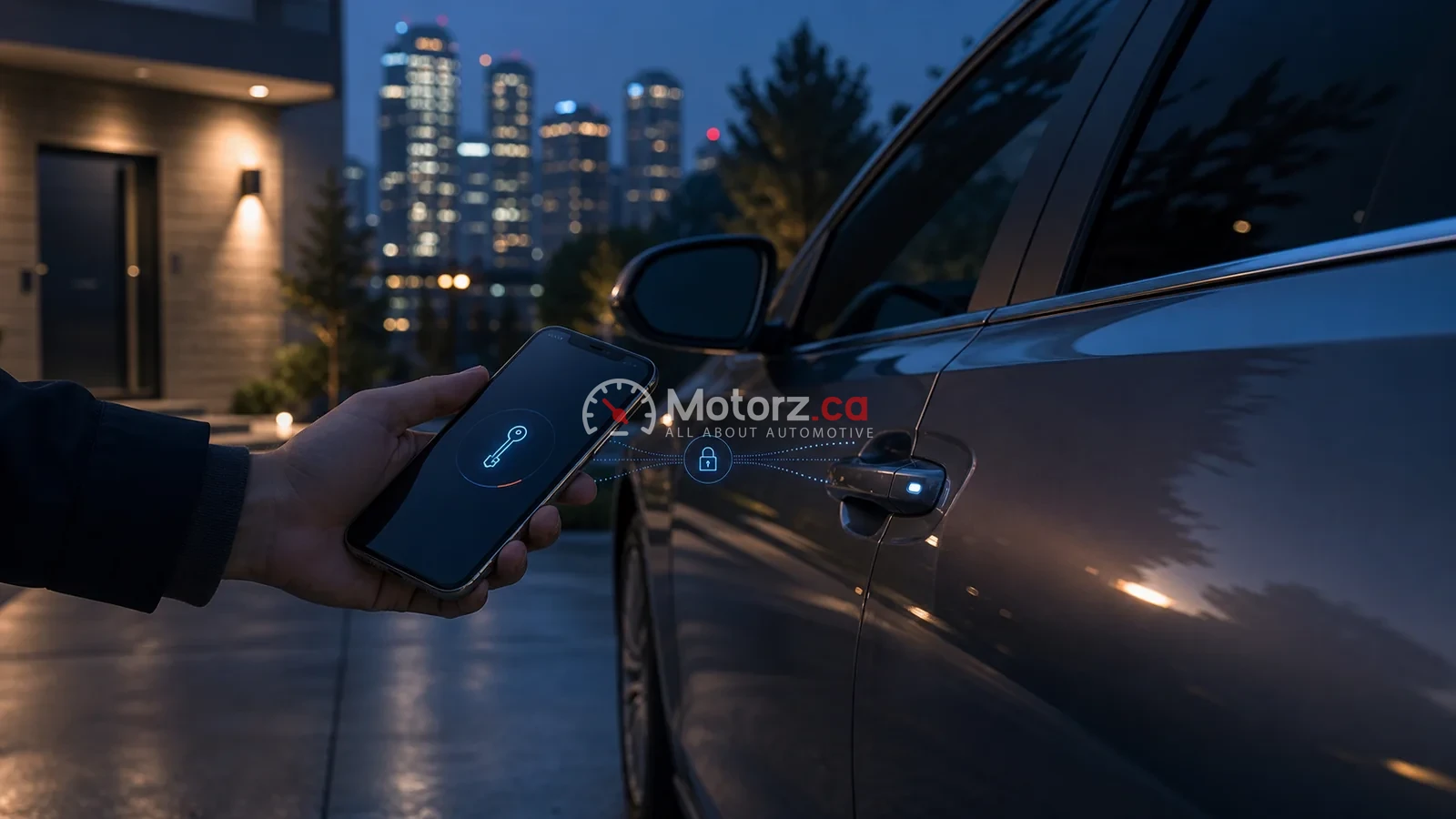
A digital key can simplify vehicle access and sharing, but compatibility and security depend on the exact vehicle, device, account and manufacturer implementation.
The direct answer
A digital car key is a vehicle-access credential stored on a compatible phone or other device. It may unlock or start a supported vehicle and may allow controlled sharing. It is not simply every manufacturer remote-control app, and it should not be treated as theft-proof.
Compatibility comes first
Support can depend on model year, trim, hardware, phone, operating-system version, wallet or manufacturer app and region. Before relying on a digital key, confirm the exact combination in official manufacturer documentation and understand the fallback method.
Potential benefits
- One less physical key to carry
- Sharing with family or another driver where supported
- Time-limited or restricted credentials in compatible implementations
- Suspending or revoking shared access
These are capabilities of compatible implementations, not promises for every vehicle.
Risks and failure points
A lost phone, compromised account, outdated software, changed device or failed synchronization can interrupt access. Connected vehicles can also retain personal information. Security depends on the vehicle, phone, account and the way credentials are issued and revoked.
Safer everyday use
- Protect the phone with a strong screen lock.
- Keep the phone, wallet, app and vehicle software current.
- Use multi-factor authentication when the account offers it.
- Share access only with intended recipients and review active keys.
- Follow official steps to suspend or revoke access promptly.
- Know the manufacturer’s fallback before a trip.
If the phone is lost or replaced
Use the device-account and vehicle-manufacturer instructions to lock the device and remove or revoke the credential. Do not assume revocation has synchronized until the official interface confirms it. Contact the manufacturer or roadside assistance if access is uncertain.
Before selling or trading the vehicle
Remove shared keys, accounts, paired devices, contacts, subscriptions and navigation data using the manufacturer’s reset process. Connected-vehicle security also matters when considering broader driver-assistance technology.
Bottom line: treat a digital key as access-control technology. Confirm compatibility, protect the connected accounts and keep a manufacturer-approved recovery plan.