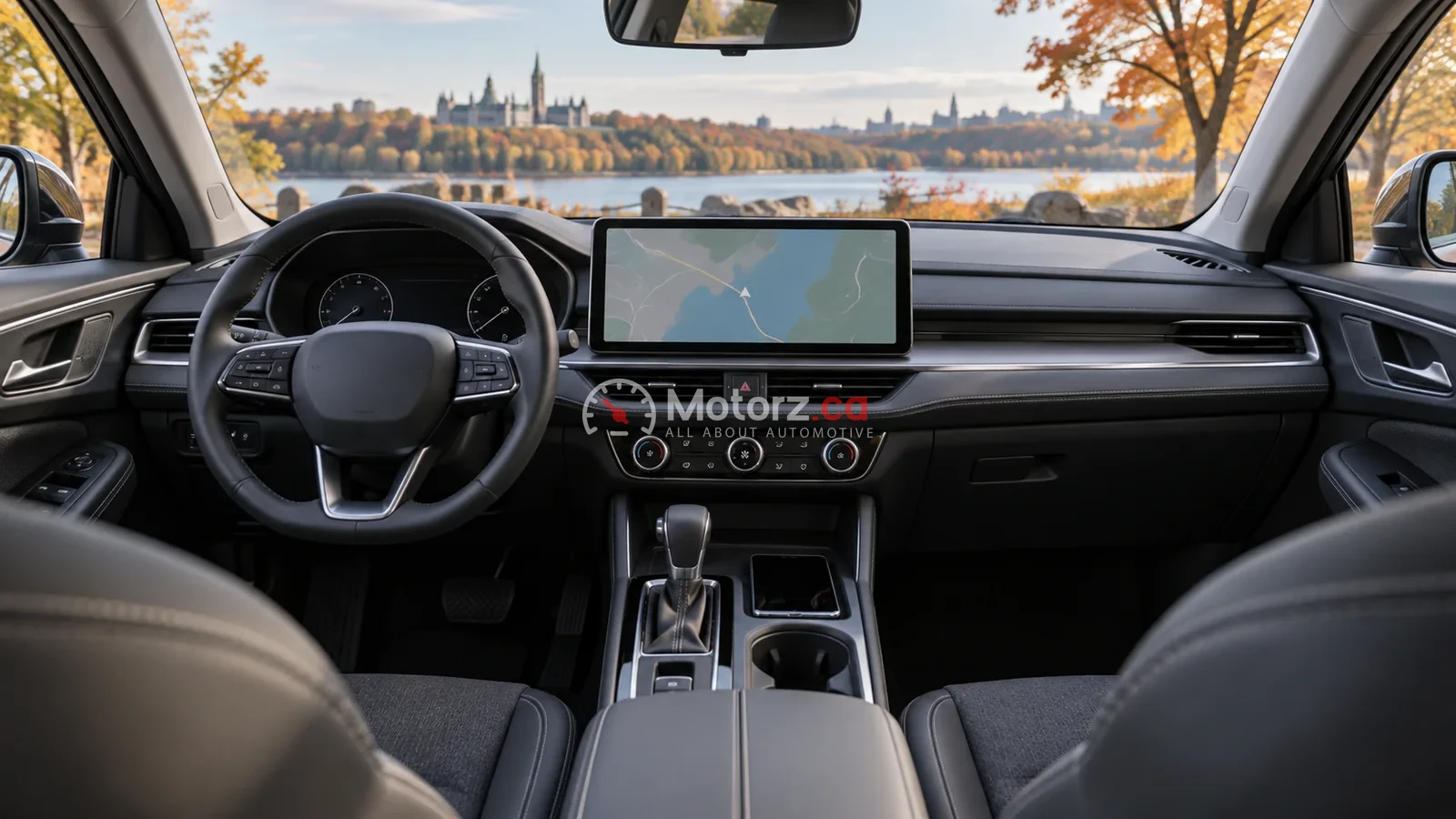
Hero: AI-assisted conceptual illustration, not a photograph of a specific vehicle, test, facility or historical event.
The most useful infotainment system is the one that supports your phone and everyday tasks without unnecessary steps. Screen size alone cannot establish that. Compare the exact vehicle’s operating system, physical controls, phone integration and paid-service terms while it is safely parked.
Editorial disclosure: Motorz.ca has not conducted a hands-on ranking of these systems. This guide replaces unsupported rankings and fictional product descriptions with manufacturer-documented distinctions and a practical comparison worksheet.
Separate three different things
- Built-in software: the vehicle’s menus, settings and any native navigation.
- Phone projection: compatible phone apps displayed through Apple CarPlay or Android Auto, where supported.
- Connected services: features using accounts, mobile data or subscriptions, which may expire separately from the vehicle warranty.
Ask which functions continue without a subscription or a phone connection. Do not assume that a built-in Google interface, wireless charging and wireless phone projection are the same feature.
Manufacturer examples worth checking
BMW Canada’s iDrive information distinguishes Operating System 8.5, which supports the BMW Controller alongside touch and voice, from Operating System 9, which emphasizes touch and voice and offers optional Digital Premium services. BMW says the installed system depends on the model and equipment. A current page discussing newer software does not prove that a used 2025 vehicle has it.
Ford Canada’s Digital Experience page describes wireless Apple CarPlay and phone integration, while distinguishing Digital Experience from SYNC. Check the exact vehicle rather than applying one Ford system’s feature list to every Ford. Connected features can have separate service conditions.
A parked-car comparison worksheet
| Task | What to record |
|---|---|
| Pair your own phone | Compatibility, connection method and reconnection behaviour |
| Find climate and defrost controls | Physical controls versus menu steps |
| Enter a familiar destination | Search method, route display and data requirements |
| Switch between two drivers | Profile handling and paired-device priority |
| Read the display in daylight | Glare, text size and reach from your normal seat position |
| Review the service account | Trial expiry, renewal cost and functions retained after expiry |
Record your observations instead of borrowing someone else’s preference. A passenger-focused entertainment feature may have little value to a solo commuter. Likewise, a system with many apps can still be inconvenient if the functions you use most are buried.
Used-car checks matter
Ask the seller to identify the installed software version and demonstrate that accounts can be transferred or removed through the manufacturer’s approved process. Confirm that any advertised connected feature is transferable and supported in Canada. Do not assume that a previous owner’s active trial will continue for you.
Keep warranty coverage, software support and paid services separate in your notes. Our connected-car warranty explainer covers the documents to request without treating subscriptions as a warranty.
What this guide does not rank
We do not assign latency scores, voice-recognition accuracy or reliability percentages without a repeatable test. Nor do we claim that one interface is safer solely because it has fewer buttons. Use the owner manual and keep setup tasks out of active driving.
For the wider decision, visit the car-buying hub and our Canadian Taos equipment explainer. Choose a system after verifying the exact car and your own needs—not from an invented best-to-worst list.